notion journal app
Notion Journal App vs a Dedicated Journaling Tool: Why Flexibility Can Be the Enemy of Consistency
Honest comparison of using Notion as a journal app versus a dedicated tool like Ripple. Which one ADHD brains actually stick with, and why.

In this article
Notion can do almost anything. That is exactly why it falls apart as a journal for a lot of people, especially if your brain already struggles with follow-through. A notion journal app setup gives you infinite customization. A dedicated journaling tool gives you one clear thing to do when you open it. This post compares both approaches honestly so you can pick the one you'll actually use past week two.
Feature comparison: Notion vs Ripple
| Feature | Notion (as a journal) | Ripple |
|---|---|---|
| Voice input | No native voice journaling. You can paste transcripts manually. | Core feature. You talk, Ripple transcribes. |
| AI extraction (tasks, goals) | Notion AI can summarize text, but you prompt it manually each time. | Automatic. Tasks, dates, goals pulled from every debrief. |
| Task tracking | Yes, excellent. Databases, Kanban boards, custom views. | Tasks extracted from your debrief and organized by date. |
| Habit tracking | Possible with templates and manual check-ins. | Automatic. Mention a habit and it gets checked off. |
| Mood tracking | Requires manual setup (a property, a scale, daily input). | Scored automatically from what you say. |
| Pattern detection | None. You review your own entries and spot patterns yourself. | Built in. Ripple surfaces recurring themes across weeks. |
| Weekly reports | None unless you write one yourself. | Automated narrative report every Sunday. |
| Free trial | Free plan available (limited AI features). | 7-day free trial. |
| Platforms | Web, Mac, Windows, iOS, Android. | iOS, Android, web. |
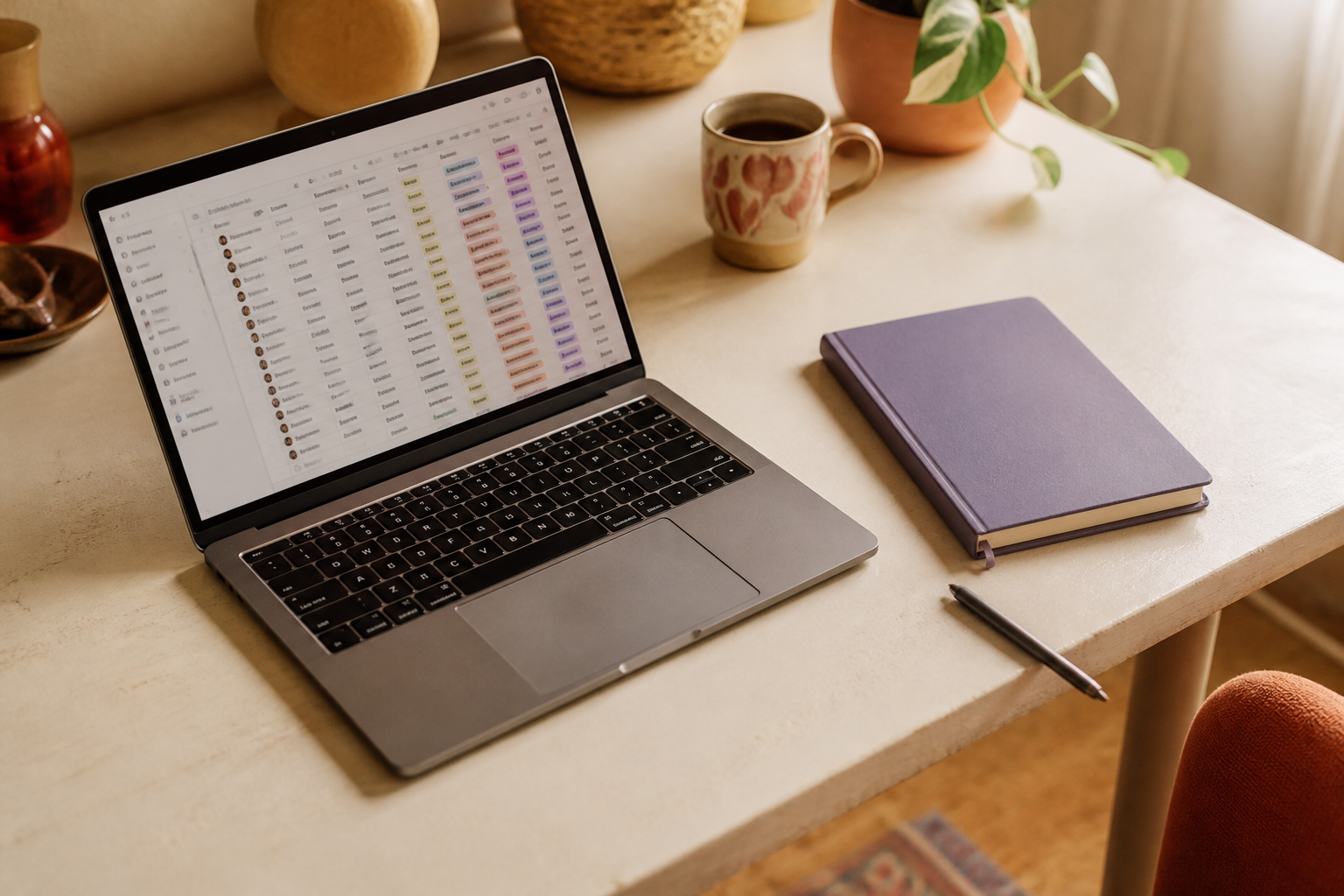
Where Notion wins
Notion is genuinely great at being a workspace. If you already live inside it for project management, notes, and docs, adding a journal page means one fewer app on your phone. The database features are powerful. You can build a journal with tags, relations to other databases, rollups that count how many entries you made per month. If system-building is something you enjoy and follow through on, Notion gives you room to make exactly what you want.
The community templates are strong, too. There are hundreds of pre-built journal setups you can duplicate in one click. And Notion AI, while not journal-specific, can summarize long entries or generate prompts if you ask it to.
For people who are already power users, Notion as a journal makes sense. It keeps everything in one place and lets you connect your journal to the rest of your work.
Where Ripple wins
Here is the thing about Notion journals: you have to build them. Or find a template, duplicate it, customize it, learn the properties, remember to open it, type into it. Every single day. For an ADHD brain, that sequence has about four exit points before you write a single word.
Notion's flexibility means you build the journal yourself, which is where most ADHD users stall.
Ripple skips all of that. You open the app, you talk. That is the whole workflow. No template to pick, no page to navigate to, no properties to fill out. You ramble about your morning, the appointment you forgot, the fact that you haven't gone to the gym in two weeks, and Ripple does the sorting.
Tasks get extracted with the dates you mentioned. Habits get tracked because you said them out loud. Mood gets scored from the tone and content of what you said. Patterns (you've complained about sleep four weeks in a row) get surfaced without you having to reread old entries. The Life Matrix tracks six domains over time so you can see where things are slipping before they crater.
I've set up Notion journals three times. Beautifully tagged, color-coded, with a daily template that auto-generates. I used each one for about nine days. The problem was never the system. The problem was that opening a blank template at the end of a long day felt like homework.
You say
"Okay so today was chaos. I had that dentist appointment at 10 but I completely spaced on picking up the prescription after. Need to do that tomorrow. I did drink water all day which is something. But I skipped the walk again. I keep saying I'll do it and then I just don't. Also I need to email the school about the field trip form by Friday."
Ripple catches
- Pick up prescription (tomorrow)
- Email school about field trip form (by Friday)
- Mood: frustrated, scattered
- Habit: water intake ✓
- Habit: walk ✗ (skipped)
- Pattern: walk skipped 3 of last 4 weeks
In Notion, every one of those items would need to be manually entered into the right database, the right view, with the right date property. In Ripple, you just talked for 40 seconds.

Who should choose Notion
If you already use Notion daily and your brain clicks with databases and properties, a Notion journal can work. Specifically:
- You like building and tweaking systems (and actually use them after the tweaking phase ends).
- You want your journal connected to project databases, reading lists, or work notes.
- You prefer typing and find it easy to sit down and write at the end of the day.
- You don't need automated mood or habit tracking.
Notion is a real tool with real strengths. The issue is fit, not quality.
Who should choose Ripple
If you've tried journaling before and quit, or you've built a beautiful Notion setup that now sits untouched, the friction was the bottleneck. Ripple is built for exactly that scenario. Specifically:
- You think out loud better than you write. A lot of people with ADHD process verbally, and typing into a blank page stalls them. Psychology Today notes that ADHD often coexists with stronger verbal processing.
- You want your tasks pulled out of your thoughts without a second step.
- You want to know your patterns without having to reread weeks of entries.
- You need the Sunday weekly report because you will never sit down and write your own review.
Ripple works for the person standing in the grocery store parking lot with four things on their mind and no time to open a database. You talk. It catches everything. That is the whole pitch.
The real question is follow-through
Every productivity tool comparison eventually comes down to the same thing: which one will you actually use in three months? Notion is more powerful on paper. It can be a journal, a task manager, a wiki, a CRM, a recipe book. But the American Psychological Association notes that executive function challenges make open-ended tools harder to use consistently, not easier. More options means more decisions, and decisions are expensive when your brain is already running twelve tabs.
A dedicated tool that does one thing well, with the lowest possible friction, is often worth more than a flexible tool that can do everything but requires you to set it up and maintain it yourself. That is not a knock on Notion. It is an honest statement about how consistency works for brains that struggle with it.
Try Ripple free for 7 days, cancel anytime.
Frequently asked questions
Can I use Notion as a journal app?
Yes. Notion supports journal templates with daily entries, tags, and database properties. The tradeoff is that you build and maintain the system yourself, and every entry requires you to open the right page and type. There is no voice input, automatic mood tracking, or pattern detection built in.
Is Ripple better than Notion for ADHD?
For journaling specifically, Ripple removes most of the friction that causes ADHD users to quit. You talk instead of type, tasks and habits are tracked automatically, and patterns are surfaced for you. Notion is better if you need a full workspace that connects your journal to other projects.
Does Ripple replace Notion?
No. Notion is a workspace for notes, projects, and databases. Ripple is a dedicated journaling and life-tracking tool. Some people use both: Notion for work, Ripple for the personal brain dump and habit tracking that Notion can't automate.
What if I already have a Notion journal setup?
Ask yourself honestly: when did you last use it? If the answer is "this week" and it feels easy, keep it. If the answer involves guilt and a vague plan to get back to it, that is your answer. The best tool is the one that survives contact with a bad day.
Related reading:
Say it once. Ripple remembers.
Talk it out and Ripple pulls out your tasks, tracks your habits and mood, and shows you your patterns each week.
Start your free week7-day free trial · Cancel anytime